
Canva is everywhere.
Marketing teams use it daily. Nonprofits rely on it. Small businesses love it. It’s fast, affordable, and accessible.
And that’s a good thing.
But here’s the truth that rarely gets said clearly:
Access to a design tool is not the same thing as having a design strategy.
Canva is powerful. It democratized design. It allows teams to move quickly and create materials without waiting on outside support.
But it is still just a tool.
And tools do not think.
Let’s break this down honestly.
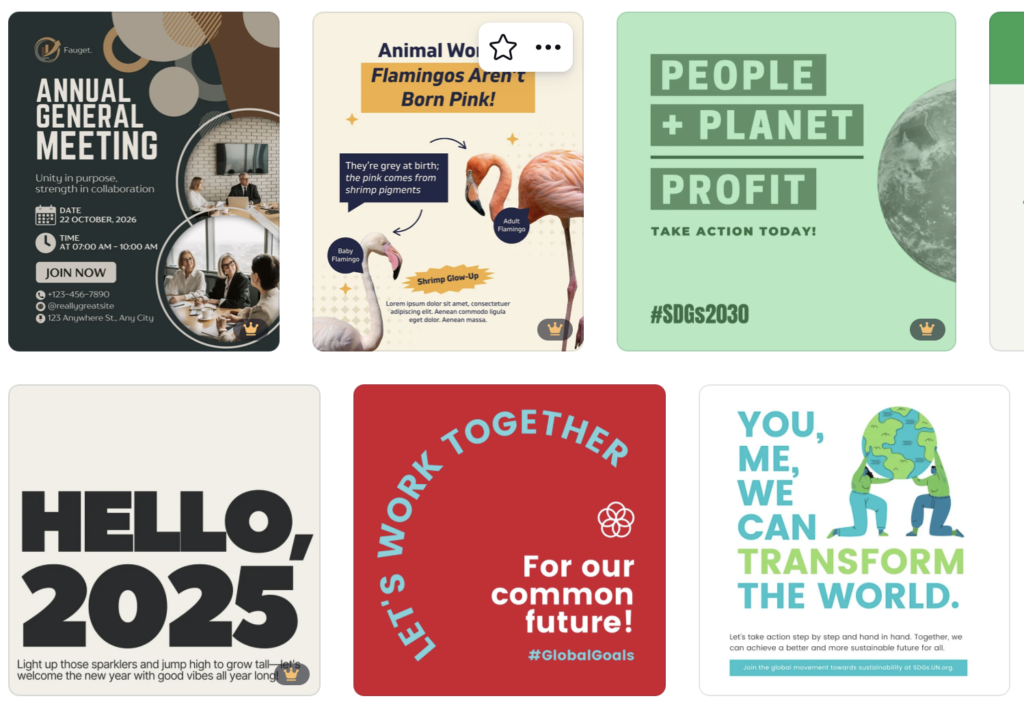
The Limitations Marketing Leaders Should Consider
This is where strategy enters the conversation.
1. Templates Create Template Brands
If everyone has access to the same layouts, fonts, and stock graphics, brands begin to look similar. Strong organizations need visual distinction. Donors, members, sponsors, and stakeholders notice polish and originality. Templates can make something look finished. They rarely make it feel intentional.
2. Limited Typography and Design Control
Professional design software allows precise control over typography, spacing, alignment, and print production details. Those refinements are subtle, but they are what elevate a piece from “nice” to “credible.” When you are producing an annual report, a gala invitation, a sponsorship packet, or a membership brochure, those details matter.
3. Print Production Risks
High-quality print pieces require careful file setup, bleed control, color management, and export standards. While Canva offers print downloads, it is not built for complex, press-ready production. Mistakes in this phase can cost money and, more importantly, confidence.
4. No Built-In Strategy
Canva provides layouts. It does not provide hierarchy planning, brand positioning, audience psychology, or storytelling structure.
Design is not decoration.
It is communication.
It guides the eye.
It builds trust.
It reinforces your message before a single word is read.
That level of thinking does not come from a template.
The Pros of Canva
1. It’s Easy to Use
Canva’s interface is intuitive and beginner-friendly. You don’t need formal design training to create social posts, flyers, or presentations. For busy marketing managers juggling events, campaigns, and internal communication, that accessibility matters.
2. It’s Fast
Need a quick Instagram graphic or event announcement? Canva makes it easy to move quickly. Templates can give you a head start and reduce production time for simple pieces.
3. It’s Affordable
For smaller organizations or teams with limited resources, Canva offers an affordable way to produce consistent content. Not every piece requires a full custom design investment.
4. It Encourages Collaboration
Because it’s cloud-based, teams can edit, comment, and share designs easily. That’s helpful when multiple stakeholders need access.
For certain tasks, Canva makes sense.
When Canva Makes Sense
• Social media graphics
• Internal communications
• Quick event reminders
• Editable team templates
• Simple, short-term materials
Used thoughtfully, Canva can absolutely support your marketing efforts.
When You Need a Professional Designer
• Brand identity development
• Annual reports
• Donor communications
• Gala invitations and sponsorship materials
• Membership brochures
• Trade show graphics
• Major fundraising campaigns
• High-impact print pieces
These are not just documents.
They are reputation pieces.
They represent your organization’s credibility, stability, and professionalism.
That is where strategy, typography, layout expertise, and production knowledge make a measurable difference.